Improved Production.
Based on Your Expertise.
Seamlessly Integrated.

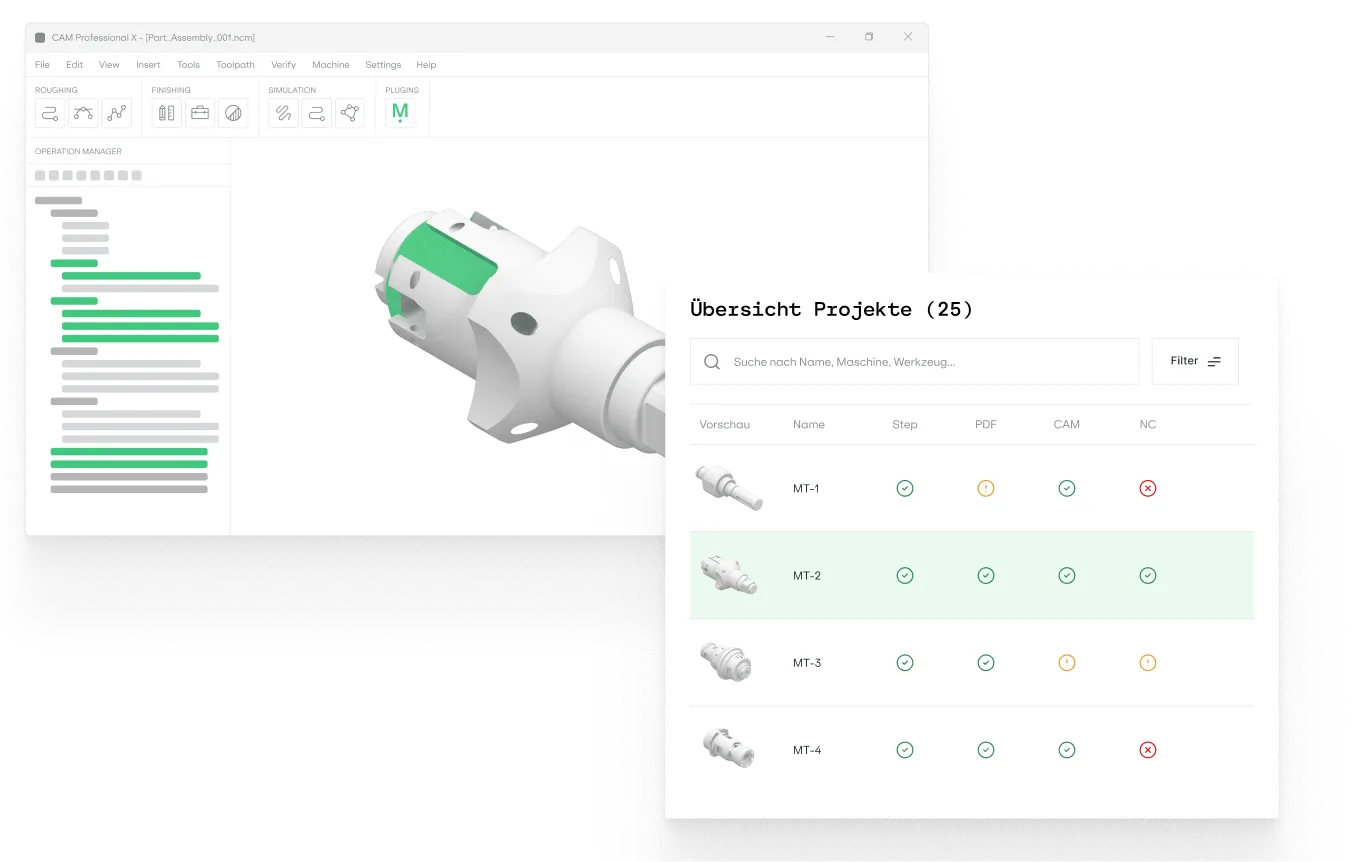
Our patent pending AI system processes your historic projects and makes the data available to everyone.
Manukai product page hero image
Available for the following CAM systems
Looking for another system?
Contact us

Analyse the part

Our AI extracts geometry, material information, and tolerances from 3D models and technical drawings.

Effective detection of features like pockets, bores, or threads
Takes into account all aspects of the part, also from the technical drawing
Supports all common file formats and handles complex geometries with ease
Screenshot illustrating step 1 of the Manukai scrollytelling section

Find relevant past projects

The software analyzes your production history to find repeating features . You can browse, filter, and compare the results.
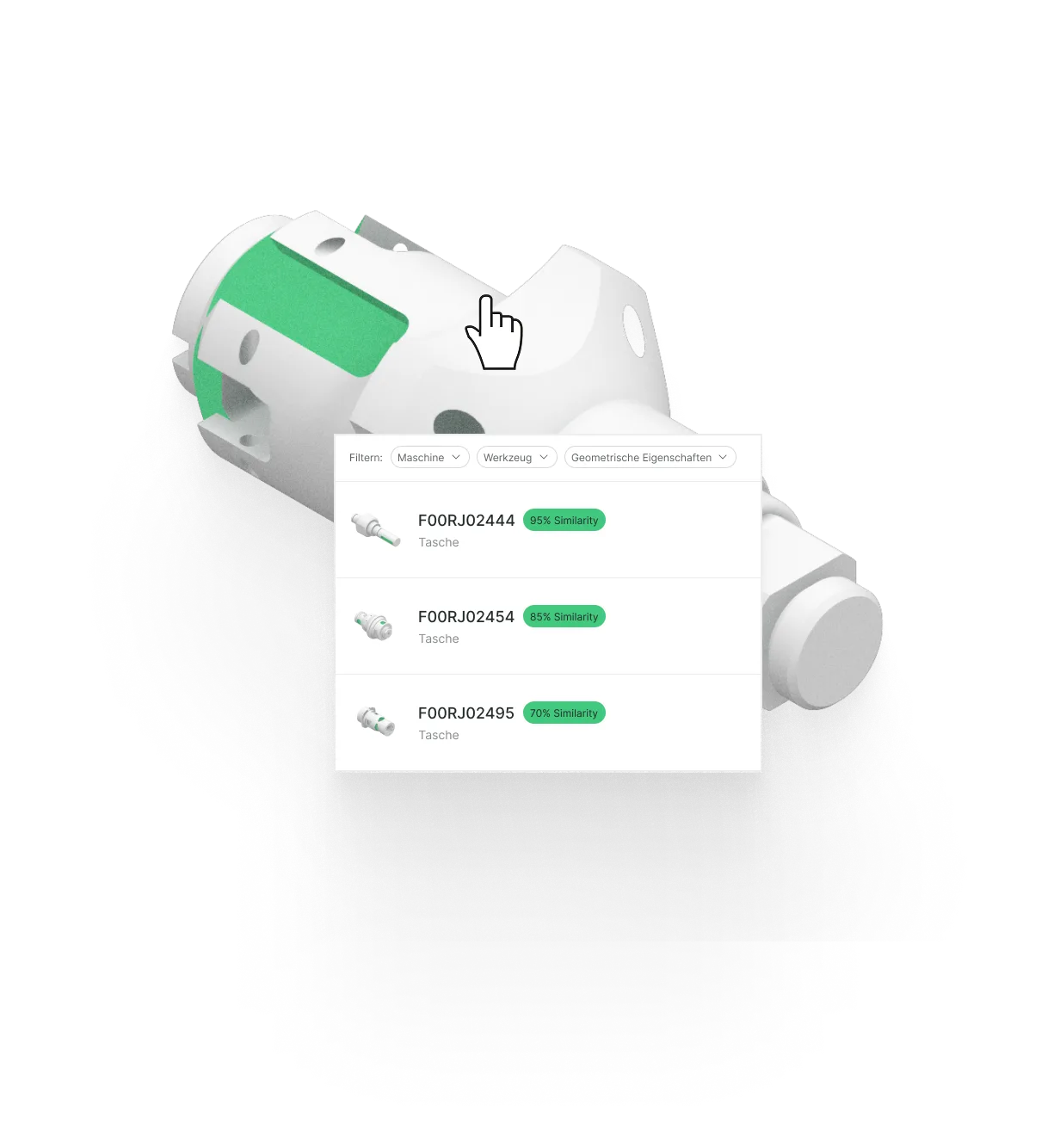
Detects similar features even if the overall geometry is different
Filter and sort for machines, tools, materials, tolerances, and more
Intuitive navigation and analysis of your production history
Screenshot illustrating step 2 of the Manukai scrollytelling section

Automatically reuse what you have done

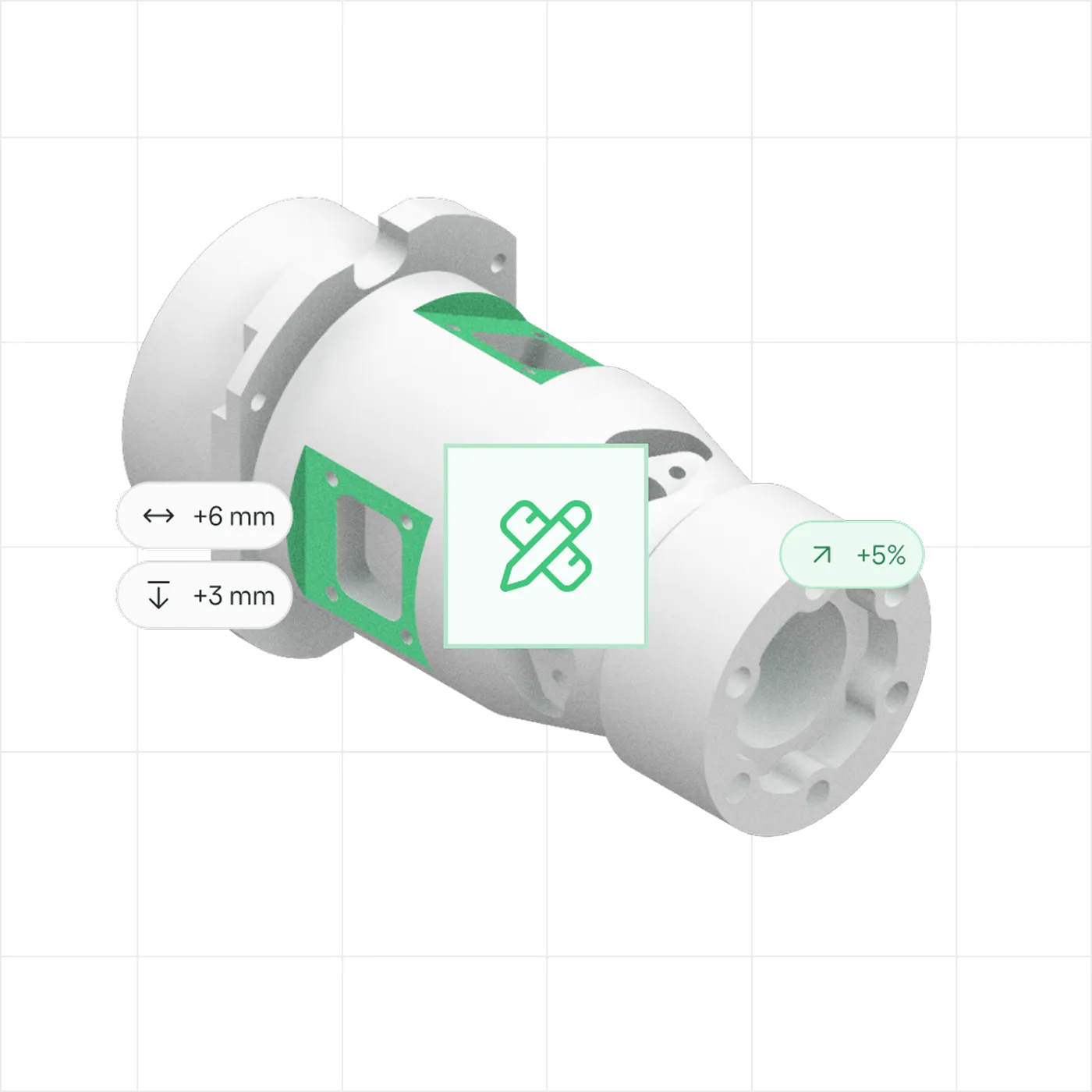
Screen and compare your historic records, pick the one that you want to apply to the new project, and automatically repeat what worked.

Display details,  previews and performance comparison
Automatically adapts the historic choice to the new context
Fully agnostic to your software and machine types
Screenshot illustrating step 3 of the Manukai scrollytelling section
Step 1 — analysing the partStep 2 — finding relevant past projectsStep 3 — automatically reusing strategies

Request Early Access to Manukai

Get hands-on with Manukai in a 4-week onboarding project and experience firsthand how we streamline your manufacturing processes. Be among the first to lead the way in industry innovation.

One Platform.
From Quote to Finished Part.
Screenshot illustrating step 1 of the Manukai platform overviewScreenshot illustrating step 2 of the Manukai platform overviewScreenshot illustrating step 3 of the Manukai platform overviewScreenshot illustrating step 4 of the Manukai platform overviewScreenshot illustrating step 5 of the Manukai platform overview
01
Screenshot illustrating step 1 of the Manukai platform overview
Design

Design for What the Shop Can Actually Make

Cost is decided at the design stage, long before anyone cuts metal. Manukai shows the designer the real cost of a feature, so a pocket depth or a tolerance can be reconsidered while it is still cheap to change.
Coming Soon
02
Screenshot illustrating step 2 of the Manukai platform overview
Procurement

Take the Right Jobs, and Price Them Right

Fit. Every machine shop has a sweet spot, defined by the parts it has successfully produced before. Manukai compares new part inquiries against your production history and shows how well they fit your existing portfolio, helping you identify the jobs that are right for your shop.
Coming Soon
Costing. The estimate comes from the cycle times of parts you genuinely produced, not from a multiplier or a black-box prediction. Every figure traces back to the part it came from, so you can show your working.
Explore Quoting
03
Screenshot illustrating step 3 of the Manukai platform overview
programming

Instant Value from Your Production History

Automation. Select a feature and Manukai retrieves the strategies that solved it before, then generates the operations adapted to the new geometry, ready for postprocessing. You start from proven work instead of an empty project.
Explore Automation
Analytics. The same archive makes your whole history comparable for the first time. See where the same cutter runs at three different feeds, retire tools that duplicate one another, and set the version that becomes the house standard, so the next programmer starts from your best work rather than your average work.
Explore Analytics
04
Screenshot illustrating step 4 of the Manukai platform overview
Production

What the Operator Changes, the Program Learns

The corrections made at the machine are the most valuable data in the plant, and normally the first to be lost. Manukai captures them back into the CAM program so the source of truth stays true.
Coming Soon
05
Screenshot illustrating step 5 of the Manukai platform overview
quality

Never Scrap for the Same Reason Twice

What quality control learns from a rejected part usually stops at the report. Manukai feeds it back into the strategies suggested next time, so the lesson lands in the next program instead of being rediscovered the hard way.
Coming Soon

FAQs

What exactly does Manukai do?

We help you program CNC parts faster by suggesting strategies based on similar parts you’ve already manufactured.

Do I need to change my CAM software?

No. Manukai integrates directly with the CAM systems you already use, like Mastercam or TopSolid.

Is it cloud-based?

No. Manukai is fully on-premise. Your data never leaves your company.

How does Manukai help establishing manufacturing standards in my organization?

Manukai captures your programmers' proven strategies in a centralized knowledge database. Instead of relying on tribal knowledge or siloed know-how, your team can access consistent, validated programming patterns.

How much does Manukai cost?

Manukai isn’t publicly available yet, we’re currently in a closed beta phase. As a beta partner, you’ll get early access to the platform, direct support from our team, and the opportunity to influence product development. Pricing will be shared with beta participants and tailored based on scope and integration needs.

Start Improving Your Production

Get hands-on with Manukai in a 4-week Closed Beta and experience firsthand how it streamlines your manufacturing processes. Be among the first to lead the way in industry innovation.