
Start Every Program From Work You've Already Proven.
Manukai finds the machining features that you have machined before, and rebuilds the operations that worked, reusing tools and cutting parameters directly inside your CAM system. You review, adjust, and post-process as usual.

Export geometry from CAM
Process the new part. Geometry and technical drawing are analyzed and machining features are detected.


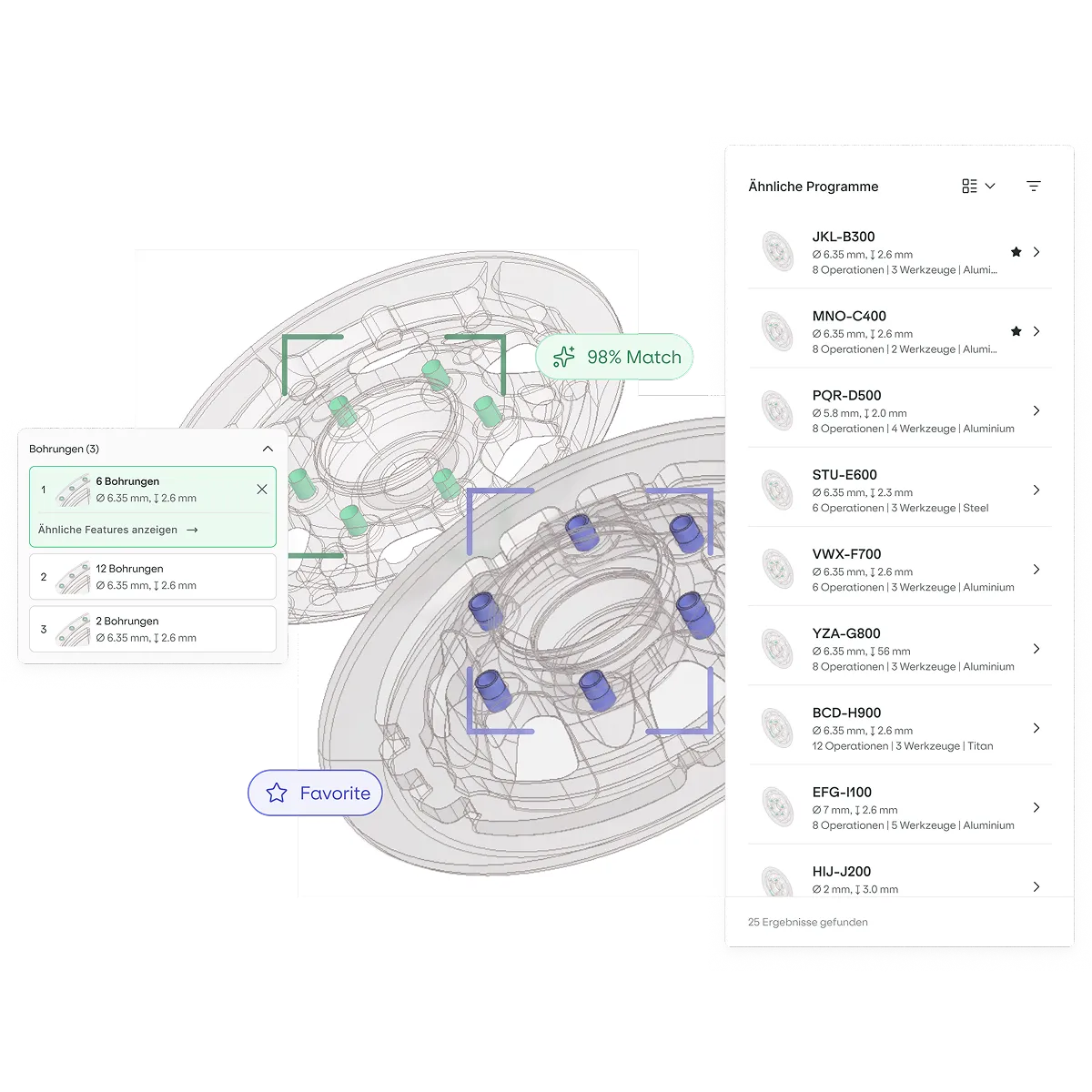
Choose the best operation
Find where you solved it before. Every feature is compared against your entire production history, not just the project someone happens to remember.
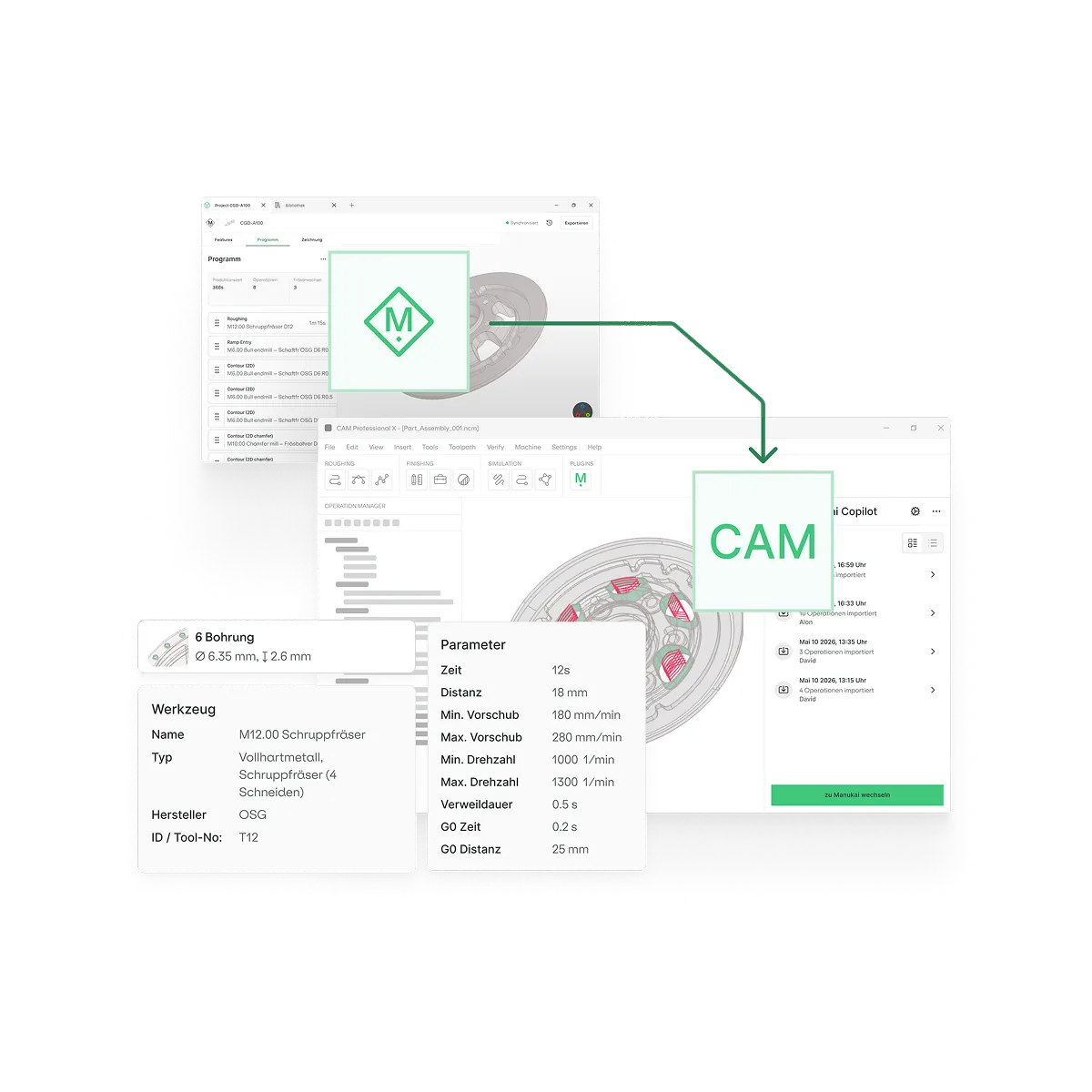
Import operations to CAM
The add-in builds the operations directly in your CAM session, adapted to the new geometry.



Manukai highlights potential savings at Bosch

One Platform.
From Quote to Finished Part.
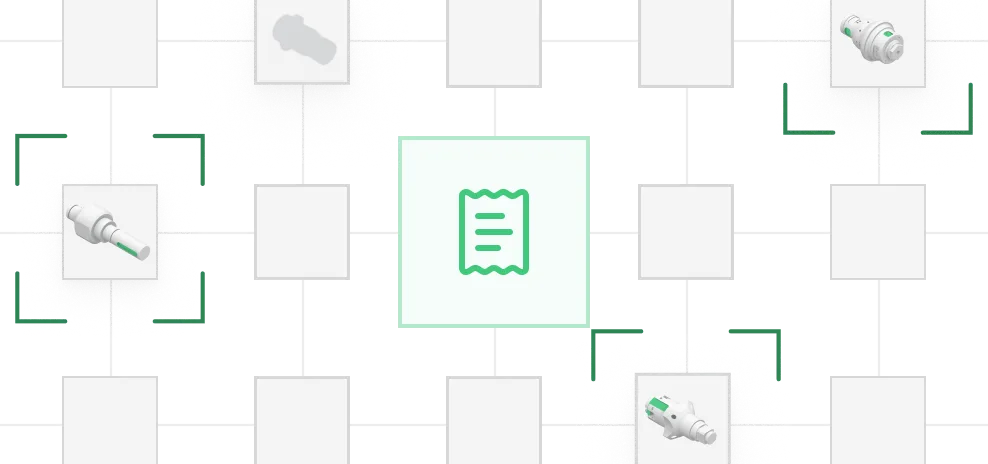
Price it from what it actually cost
The estimate comes from the cycle times of parts you genuinely produced, not from a multiplier or a black-box prediction. Every figure traces back to the part it came from, so you can show your working.


See what your history can tell you
Manukai helps programmers find, review, and adapt strategies that already work.
Start Improving Your Production
Get to know us and how Manukai can streamline your manufacturing processes and enhance efficiency. Don't miss the opportunity to be at the forefront of innovation in the industry.